English
 简体中文
简体中文 VIETNAM-IMMI.ORG


Last Updated: Friday, September 4, 2026
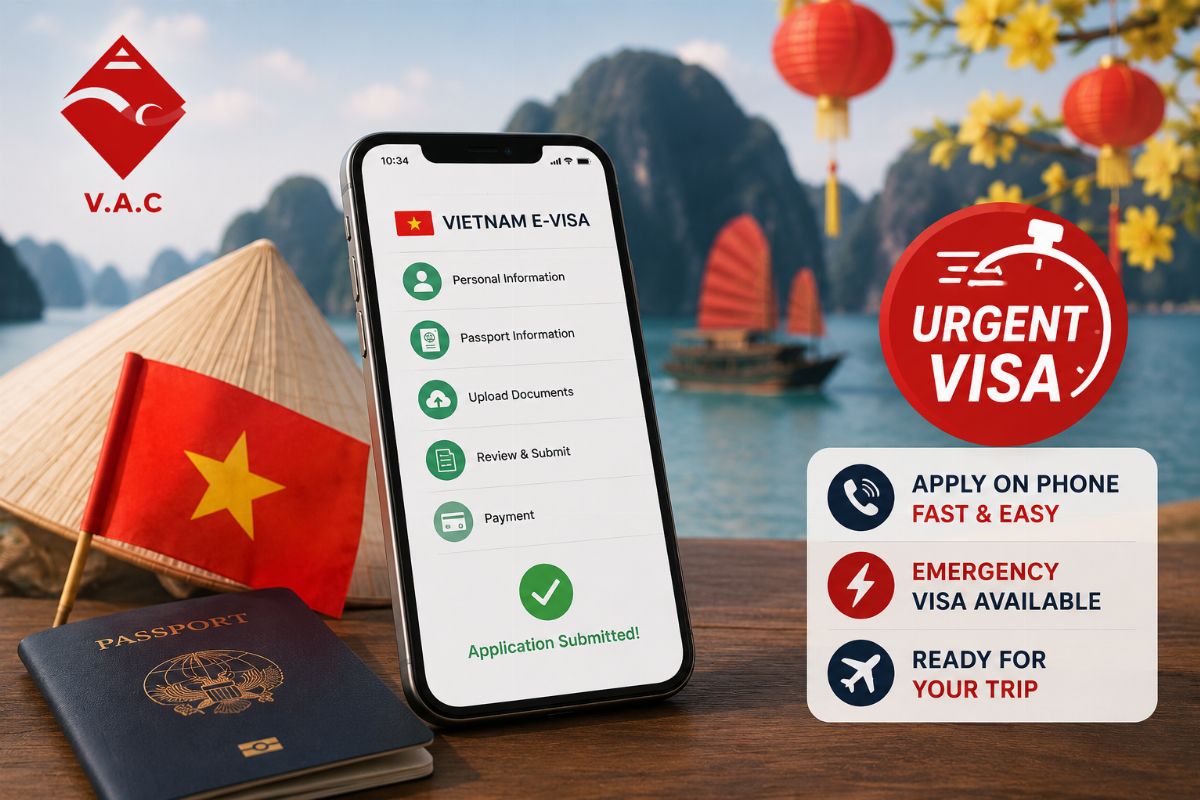
You're at the gate, or maybe you've just checked into a hostel, and it hits you — you still haven't sorted your Vietnam visa, and your laptop's sitting on a desk back home. Relax, you don't need it. The whole application, form and all, works just fine on a phone. Here's how to actually get it done without touching a computer.
Yes, You Can Genuinely Do This Whole Thing on Your Phone
It's Not a "Lite" Version
Applying for a Vietnam visa on phone isn't some stripped-down workaround. Every field, every upload, every payment step is exactly the same as on a desktop — it's just squeezed onto a smaller screen. Nothing important is missing.
Here's Where People Actually Trip Up
Honestly, the one spot mobile applications go wrong is photos — usually a blurry shot or a passport scan with glare across it. That's really the only extra thing to be careful about compared to sitting at a laptop.
Step-by-Step: Applying for Your Evisa on Mobile
Step 1 – Get the Passport Photo Right
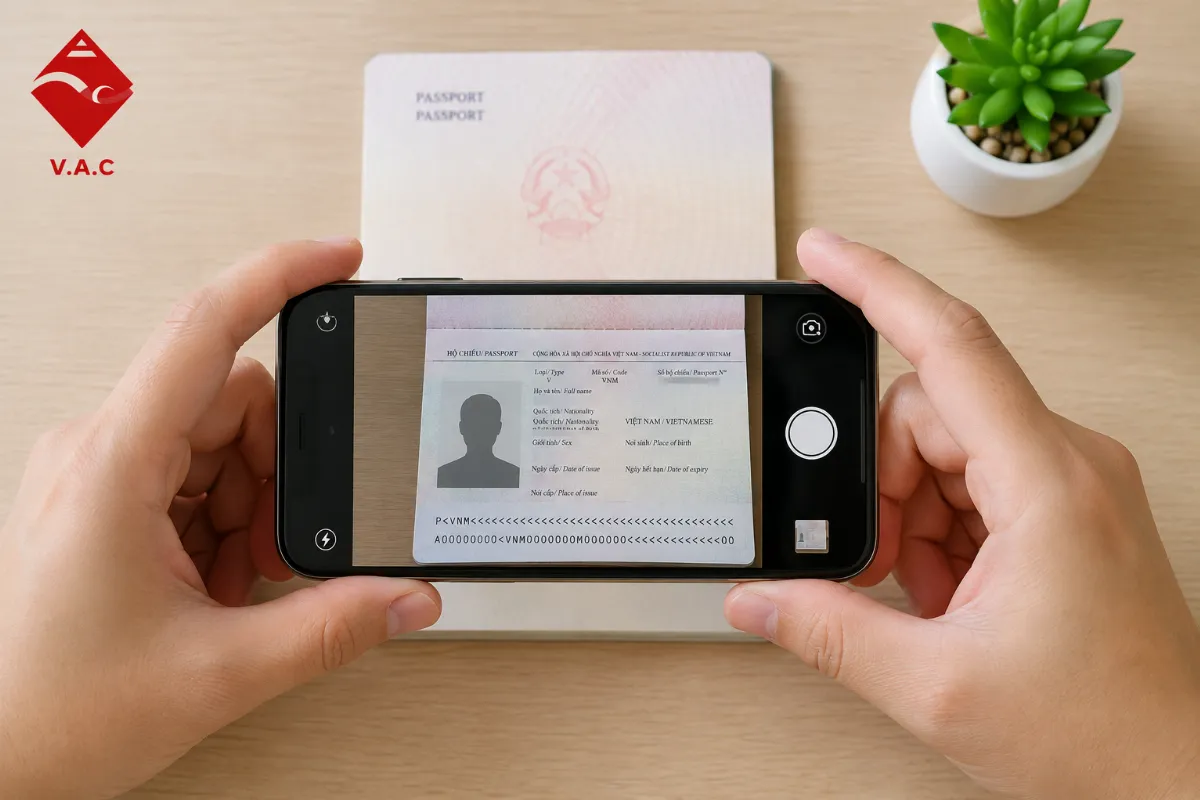
Lay your passport flat on something plain and non-reflective, grab as much natural light as you can find, and hold the phone straight above it — not tilted. Skip the flash if you can; it almost always leaves a glare right over your photo page.
Step 2 – Snap Your Own Portrait Too
Your phone doubles as the photo booth here. Stand against a plain wall, take off glasses and hats, and use daylight instead of indoor lighting, which tends to throw a yellow tint the system doesn't love.
Step 3 – Take Your Time on the Small Screen
Zoom in before you start typing — it's a lot easier to catch a typo at 150% than to squint at the default size. Pay extra attention to your passport number and travel dates; those two fields cause more mobile typos than anything else on the form.
Step 4 – Submit and Pay
Payment on mobile runs through the same secure checkout as desktop, nothing different there. Worth taking thirty seconds to check pricing before you confirm, just so nothing catches you off guard once you tap pay.
Why an App Beats Just Using Your Browser
Your Progress Actually Sticks
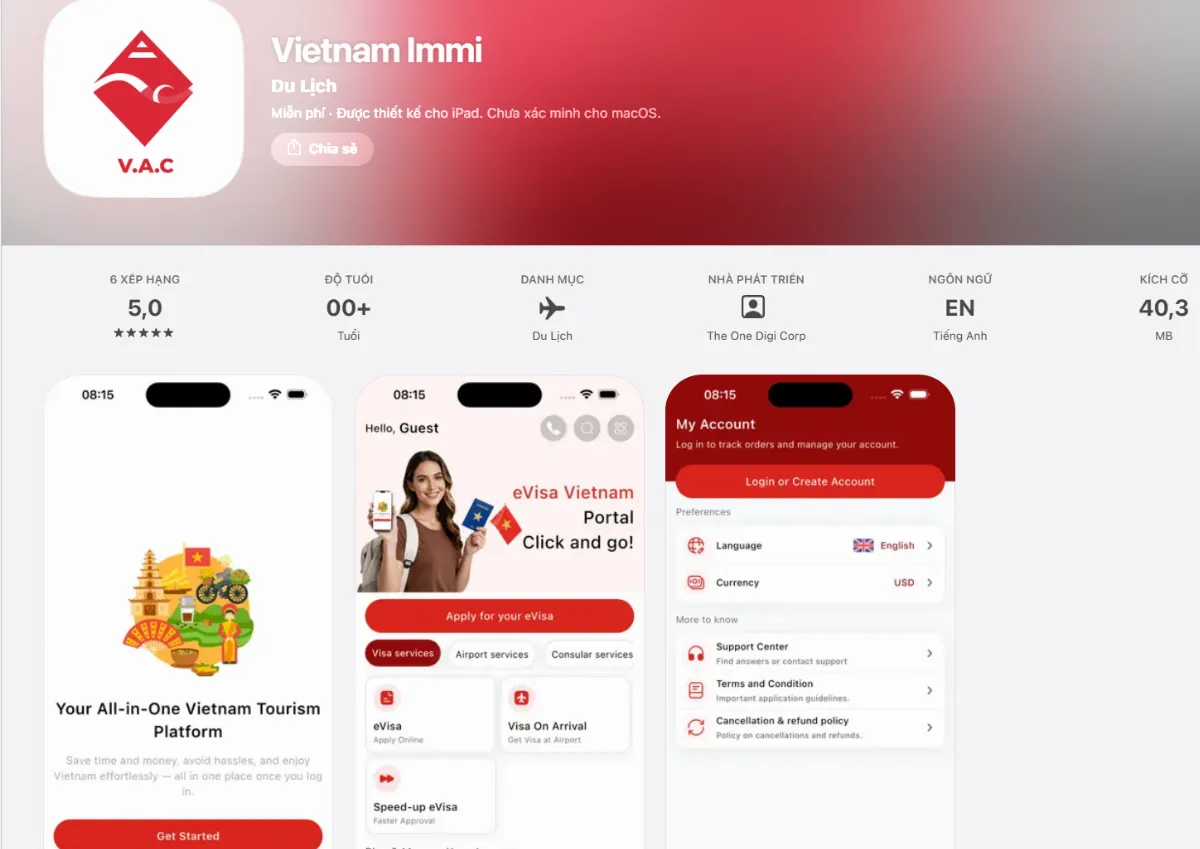
Filling out a long form in a browser tab is risky — a notification pulls you away, your connection drops, and suddenly you're starting over. A proper Vietnam visa app saves your progress as you go, so a five-minute distraction doesn't cost you the whole form.
You Can Actually See What's Happening
Once it's submitted, you can check your mobile Vietnam evisa application status directly in the app instead of refreshing a browser tab over and over, hoping something's changed. Small thing, but it cuts down a lot of the anxious checking.
Cutting It Close? There's Still a Way Through
If you only realized this the night before your flight, you can still apply for an emergency visa right from your phone, same process. Just glance at the Vietnam eVisa emergency Eligible Countries list first — not every nationality gets the same expedited speed. And once the visa's handled, a lot of travelers use that same phone to book airport fast track service or grab a Vietnam eSIM before they've even landed.
Key Takeaways
-
A laptop was never actually necessary — the full application runs on a phone.
-
Photos are the main thing to watch: flat angle, natural light, no glare.
-
Zooming in while filling the form helps catch typos, especially in your passport number and dates.
-
An app avoids dropped sessions and lets you check status without constantly refreshing a browser.
-
Emergency applications work fine on mobile too, if you're genuinely short on time.
Frequently Asked Questions (FAQ)
1. Can I really finish the whole Vietnam visa application on my phone?
Yes — form, document upload, payment, all of it works fully on mobile. Nothing's missing compared to desktop.
2. What's the most common mistake people make applying by phone?
Blurry or glare-covered passport photos, usually from using flash or holding the phone at an angle instead of straight above the page.
3. Is the app actually more reliable than just using a browser?
Generally, yes — it saves your progress automatically, so you're not losing a half-finished form to a dropped connection or a stray notification.
4. Can I apply for an emergency visa from my phone too?
Yep, same process on mobile — just double-check your nationality qualifies for expedited processing first.
Whether you need a fast visa, airport fast track, private car, or eSIM, Vietnam-Immi.org is here 24/7 to support your trip.
-
Website: https://vietnam-immi.org
-
App IOS Download: https://apps.apple.com/vn/app/vietnam-immi/id6749606825?l=vi
-
App Android: https://play.google.com/store/apps/details?id=com.vac_mobile&pcampaignid=web_share
-
WhatsApp: +84379522522
-
Hotline: +84.379.522.522
-
Email: sales@vietnam-immi.org