English
 简体中文
 VIETNAM-IMMI.ORG


Last Updated: October 19, 2026
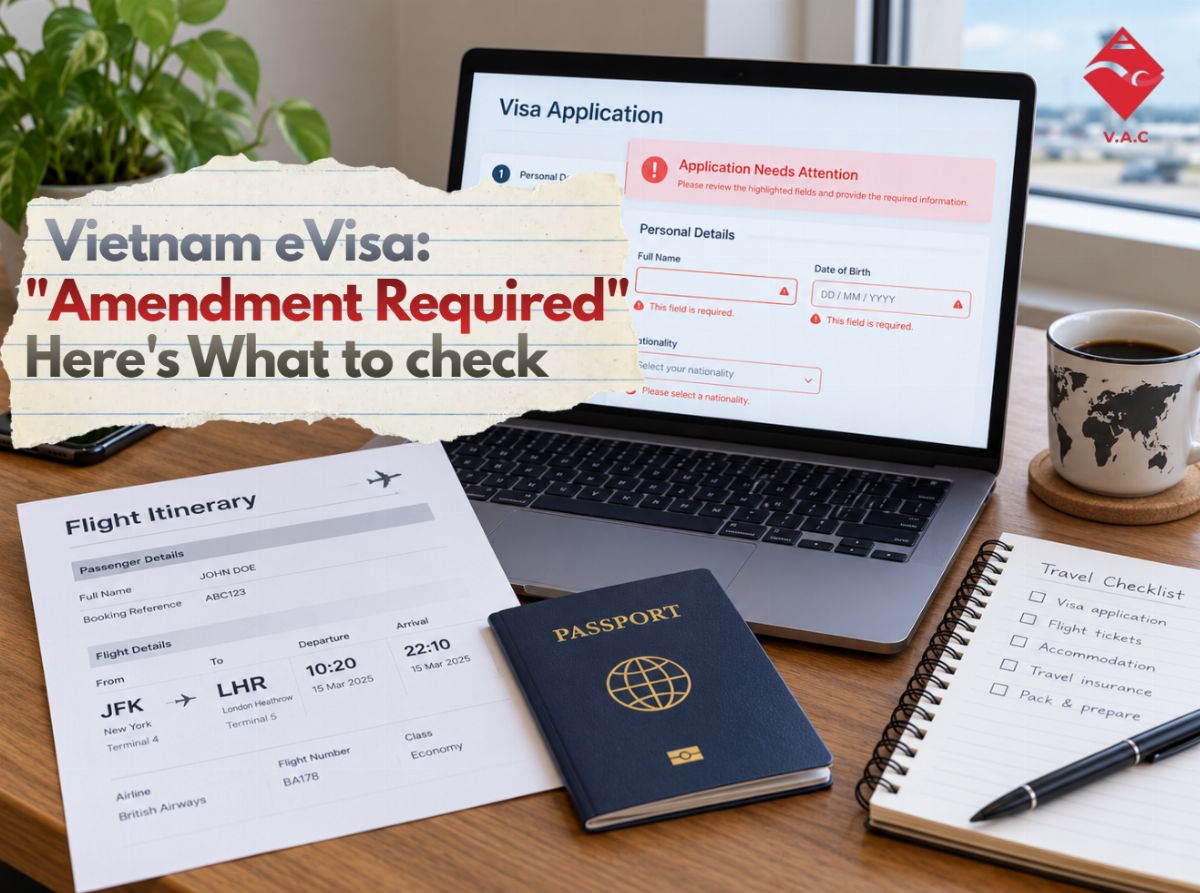
If your Vietnam eVisa amendment required status appears but you cannot tell what is wrong, do not start changing random information. First check the amendment message, then compare your application with your passport, uploaded images, and travel details. The safest approach is to identify the likely issue first, correct only what needs attention, and review everything again before resubmitting.
What Does “Vietnam eVisa Amendment Required” Mean?
Seeing “Amendment Required” can be stressful, especially when the message does not immediately explain what needs fixing.
In practical terms, your application needs additional attention before it can continue through the process. That may involve correcting information, replacing a document or image, or responding to instructions shown with the application.
The Vietnam Immigration Department directs applicants to its current electronic visa portals to submit applications and check their results. Applicants should use the information attached to their own application rather than relying on a screenshot or instructions from another traveler, because the required correction can differ from case to case.
The most important rule is simple:
Do not guess what to amend. Find the problem first.
Start With the Amendment Message
Before reviewing every field, open the application and read the amendment notice carefully.
Look for:
-
a field identified as incorrect or incomplete;
-
a request to provide additional information;
-
a problem with the passport image;
-
a problem with the portrait photo;
-
incorrect personal information;
-
missing travel or accommodation details.
If the system identifies one specific issue, deal with that issue first.
A Vietnam eVisa amendment error does not mean every part of your application is wrong. Changing information that was already correct can create more confusion.
Check Your Passport Details Character by Character
If you cannot find an obvious reason for the amendment, the passport is a good place to start.
Put your passport beside the information you submitted and compare:
-
full name;
-
passport number;
-
date of birth;
-
nationality;
-
gender, where applicable;
-
passport issue and expiry information.
Do not check these details from memory.
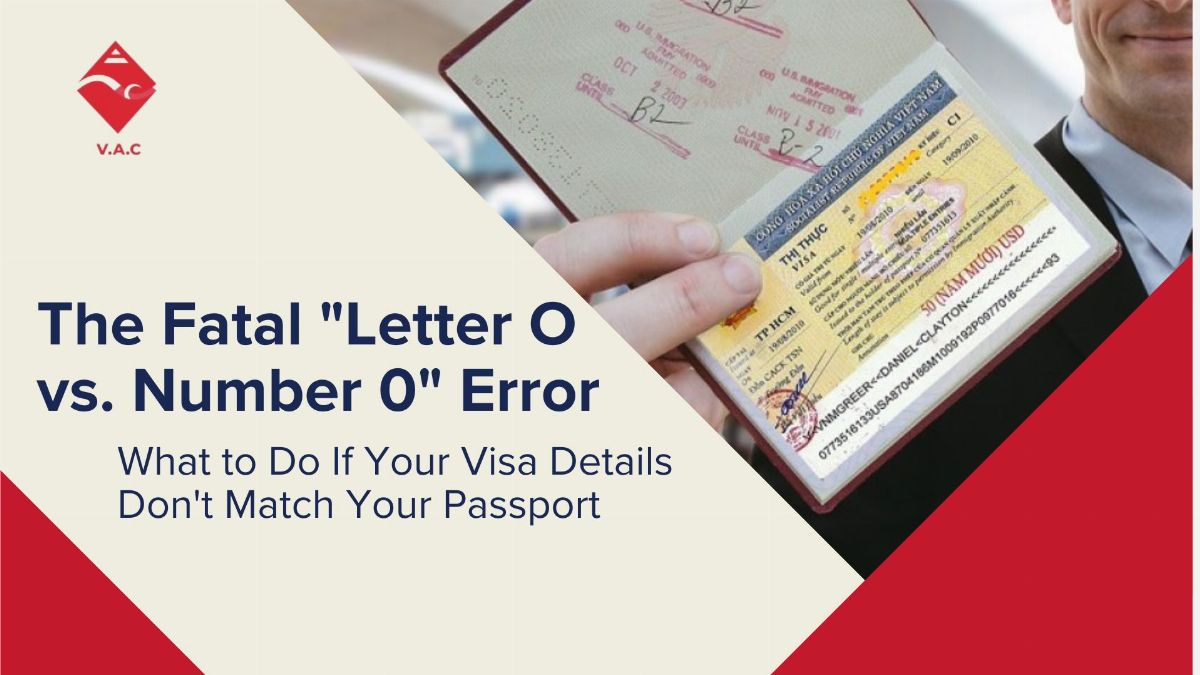
Look Closely at the Passport Number
One character can be easy to miss.
For example:
-
O and 0
-
I and 1
-
B and 8
A traveler may look at the application several times and still overlook a small character error because they already expect the number to be correct.
If your Vietnam eVisa application needs amendment, read the passport number slowly from the physical passport and compare each character individually.
Check the Name as It Appears on the Passport
Names can also create confusion when a passport contains several given names, middle names, a long surname, or a format different from the name the traveler normally uses.
For visa purposes, the passport should be your reference document.
Do not compare the application only with your flight ticket, hotel reservation, or everyday name.
If you discover that the passport information itself was entered incorrectly, review the correction carefully before submitting it again.
For travelers dealing specifically with an incorrect passport number or other passport data, Vietnam-Immi.org also has a separate guide on wrong passport details on a Vietnam visa.
The Passport Image May Be the Problem Even When the Text Is Correct
Sometimes all the information you typed looks fine, but the uploaded passport image is difficult to review.
Check whether:
-
the full biodata page is visible;
-
no edge of the passport has been cropped;
-
the photo is sharp rather than blurry;
-
there is no strong glare across the page;
-
text is readable;
-
the bottom machine-readable lines are visible;
-
you uploaded the correct passport page.
The official eVisa guidance requires applicants to provide the requested information and upload passport and portrait images. Its instructions also warn that missing, incorrect, or unidentifiable information may prevent an application from being accepted.
If the image is clearly poor quality, uploading the same file again is unlikely to solve the underlying issue.
Use a clearer image.
Check the Portrait Photo Separately
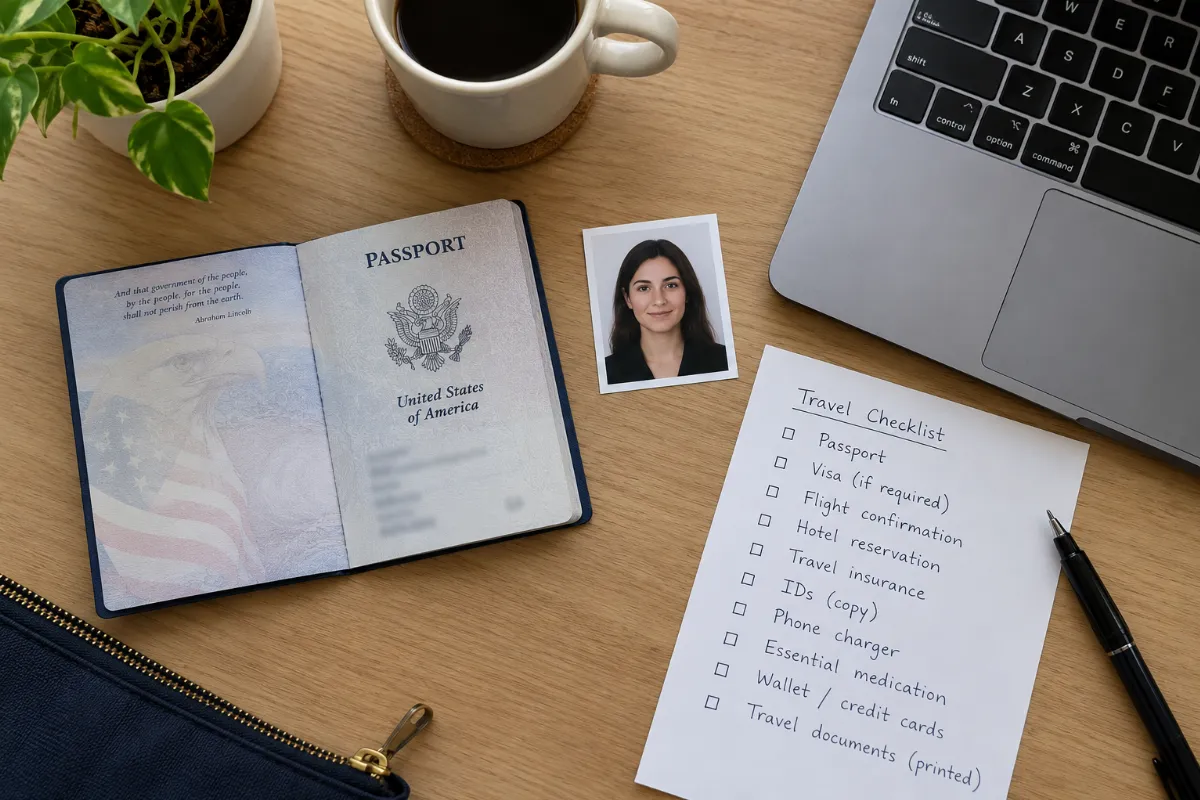
Your portrait photo and passport biodata image are two different parts of the application.
Even if the passport scan is clear, review the portrait again.
Ask yourself:
-
Is the face clearly visible?
-
Is the photo sharp?
-
Is it recent?
-
Is the traveler looking straight at the camera?
-
Is the image heavily edited?
-
Does it clearly match the passport holder?
The official application instructions contain separate requirements for the portrait and passport-image uploads, so one can be acceptable while the other still needs attention.
If the amendment specifically concerns the photo, see the Vietnam-Immi.org guide to Vietnam eVisa photo rejected or incorrect for a more focused checklist.
Review Your Travel Information Too
If the personal information and images appear correct, move on to the travel section.
Check the details you originally entered against your current itinerary, including:
-
intended entry date;
-
intended exit date;
-
entry checkpoint;
-
accommodation information;
-
purpose of travel;
-
other itinerary details requested in the application.
Do not automatically edit these fields simply because your travel plans changed after you submitted the form.
First determine whether the amendment request is actually connected to that information.
How to Amend Vietnam eVisa Without Creating More Errors
Travelers searching for how to amend Vietnam eVisa are often tempted to correct several fields at the same time.
A better approach is to work in order.
Step 1: Open the Correct Application
Use the official Vietnam electronic visa system and make sure you are checking the correct application and application number.
The Immigration Department states that the current electronic visa portals are evisa.gov.vn and thithucdientu.gov.vn.
Step 2: Identify the Requested Amendment
Read every message shown with the application.
If the system tells you what needs correction, treat that as your starting point.
Step 3: Compare the Relevant Field With the Original Document
For example:
-
passport number → check the physical passport;
-
portrait problem → check the portrait file;
-
passport image → inspect the scan;
-
entry information → check the itinerary.
Step 4: Correct Only the Information That Needs Correction
Do not rewrite the entire application unless there is a clear reason to do so.
A Vietnam eVisa correction request should be handled carefully, because every additional edit creates another opportunity for a typing mistake.
Step 5: Perform One Full Review Before Resubmitting
Once you fix the identified issue, do a final check of the most important information:
-
Full name
-
Passport number
-
Date of birth
-
Nationality
-
Passport details
-
Portrait photo
-
Passport biodata image
-
Entry date
-
Entry checkpoint
-
Other travel information requested
Only then should you continue with the amendment process shown for your application.
Which Situation Matches Yours?
| Situation | What to Check Next |
|---|---|
| The amendment note identifies one specific field | Verify that field against the original document and correct it |
| Passport number or personal information looks wrong | Compare every character with the passport |
| All typed information looks correct | Check passport and portrait image quality |
| Photo appears unclear or unsuitable | Prepare a clearer replacement image |
| Travel information may be outdated | Compare the application with your current itinerary |
| You still cannot identify the problem | Review the whole application before making further changes |
| Your flight is approaching | Review available application support or urgent options early |
The goal is not to change as much information as possible.
It is to find the smallest correct fix.
What Should You Avoid After Receiving an Amendment Request?
Do Not Keep Resubmitting the Same File
If the passport image is blurry, cropped, or affected by glare, replace it with a better image.
Uploading the same problematic document repeatedly does not address the issue.
Do Not Change Correct Information “Just in Case”
If a field matches the passport exactly, leave it alone unless the amendment instructions indicate otherwise.
Changing correct data can create a new error.
Do Not Confuse Amendment Required With an Approved eVisa Error
This article deals with an application that is asking for an amendment.
If your eVisa has already been issued and you later discover incorrect information, that is a different situation and may require a different next step.
Do Not Submit Another Application Immediately Without Reviewing the First One
A new application may sometimes become relevant, but it should not automatically be the first response to every Vietnam eVisa amendment required status.
Check whether the current application can be corrected first.
Still Cannot Find What Is Wrong?
This is probably the most frustrating version of the problem.
You read the amendment notice, compare your passport, check the image quality, review your travel details — and nothing looks obviously wrong.
At that stage, another review of the application can help identify something you may have overlooked.
If you need support checking the application, documents, and current status before deciding what to change, you can request an Application Review.
Vietnam-Immi.org is a private visa-support provider. It does not represent the Vietnam Immigration Department and cannot control or guarantee the decision made by the competent authorities.
What If Your Flight Is Coming Soon?
An unresolved amendment becomes more stressful when your departure date is close.
At that point, stop repeatedly checking the same fields and establish where the application currently stands.
Ask:
-
Have you already submitted the correction?
-
Is the application being reviewed again?
-
Is there still an unresolved document problem?
-
Did you discover a major passport-detail error?
-
How much time remains before your flight?
If your departure is approaching, you can also check available urgent processing options after reviewing the current application. Service availability and the appropriate solution depend on the individual case; an urgent service should not be treated as a guarantee of approval or a guaranteed government processing time.
A Real Customer Experience
Application mistakes happen to real travelers.
One Vietnam-Immi.org customer wrote on Trustpilot that an error in the original application meant the information had to be submitted again, and they later looked for another option when the eVisa had not arrived in time for travel. Trustpilot
That experience is a useful reminder: discovering an error early gives you more time to understand the problem and choose an appropriate next step.
Image suggestion for this section: Use a screenshot of the original Trustpilot review and link the image to the Trustpilot review page. Do not recreate or rewrite the testimonial as an AI graphic.
What Should You Do Now?
If your Vietnam eVisa amendment required status does not clearly tell you what is wrong, work through the application in this order:
-
Read the amendment message carefully.
-
Check your passport information character by character.
-
Review the passport biodata image.
-
Review the portrait photo separately.
-
Check your travel and entry information.
-
Correct only the issue that actually needs attention.
-
Review the entire application once more.
-
Submit the amendment according to the instructions shown.
-
Continue monitoring your application status.
If you cannot confidently identify the issue, ask for a review rather than making random changes.
Key Takeaways
-
A Vietnam eVisa amendment required status means you should inspect the application before making changes.
-
Passport details, passport-image quality, portrait photos and travel information are all areas worth checking.
-
Correct only the information that is wrong instead of editing unrelated fields.
-
If your Vietnam eVisa application needs amendment but the reason remains unclear, review the full application systematically.
-
If your flight is approaching, investigate available options early rather than waiting until check-in day.
Frequently Asked Questions (FAQ)
Does “Amendment Required” mean my Vietnam eVisa has been rejected?
Not necessarily. An amendment request indicates that the application needs attention. Follow the status and instructions shown for your specific application rather than assuming it has received a final refusal.
Can I correct my application after receiving an amendment request?
Follow the correction or amendment instructions provided with your application. Check the requested information carefully before resubmitting it.
Why do I have a Vietnam eVisa amendment error when my passport number is correct?
The issue may involve another part of the application, such as the passport scan, portrait image, name format, travel information, or another submitted detail.
Should I submit a new Vietnam eVisa application instead?
Not automatically. First find out whether the current application can be corrected. The appropriate next step depends on the specific problem and the status of the existing application.
What should I do if my flight is soon and the amendment is unresolved?
Review the error immediately, confirm whether a correction has already been submitted, and check what support options are available for your case. Do not assume an urgent option guarantees visa approval or a specific government processing time.
Disclaimer
Vietnam eVisa procedures, amendment requests, processing and final visa decisions are controlled by the relevant Vietnamese authorities and may change. Vietnam-Immi.org is a private visa-support provider and is not affiliated with the Vietnamese Government or the Vietnam Immigration Department. Support services do not guarantee visa approval or a specific government processing time.
Whether you need a fast visa, airport fast track, private car, or eSIM, Vietnam-Immi.org is here 24/7 to support your trip.
- Website: https://vietnam-immi.org
-
WhatsApp: +84379522522
-
Hotline: +84.379.522.522
-
Email: sales@vietnam-immi.org